![pp-Logo-transparent white.png]](https://support.pupilprogress.com/hs-fs/hubfs/pp-Logo-transparent%20white.png?height=40&name=pp-Logo-transparent%20white.png)
If you've forgotten your password and need to reset it, simply click on the "Forgot Password?" button from the login page.
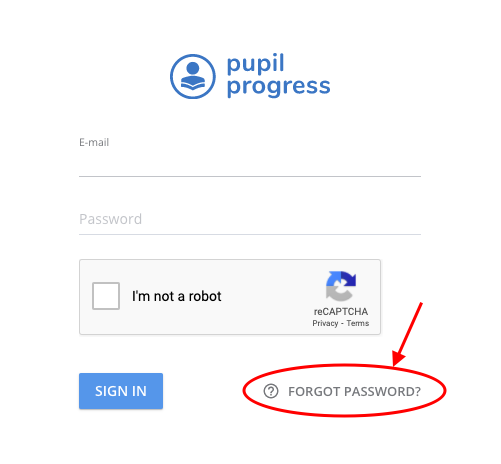
Alternatively, you can follow this link to go straight to that page.
Once you input your email address, you'll receive an email that will allow you to create a new password from there.
Alternatively, you can edit your password within your profile. From the top menu, click on My Account and insert your new password here.
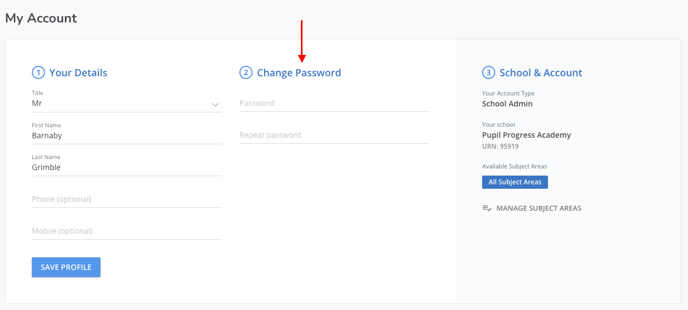
Ensure that you click on Save Profile once you've entered your new password.