![pp-Logo-transparent white.png]](https://support.pupilprogress.com/hs-fs/hubfs/pp-Logo-transparent%20white.png?height=40&name=pp-Logo-transparent%20white.png)
Once you've tested out the platform and come to the decision that you'd like to purchase your subscription, you can simply request to buy a subscription directly from your account.
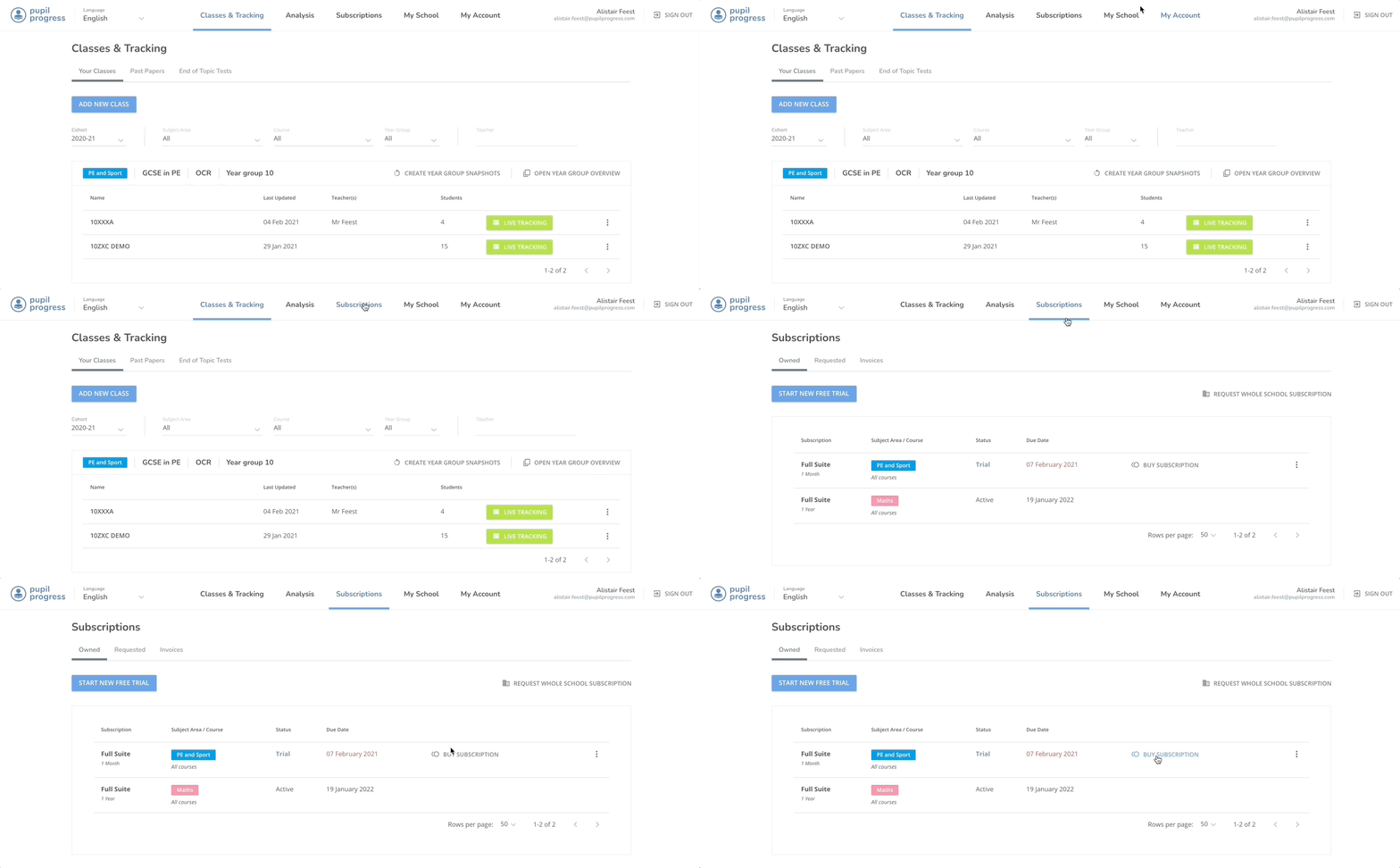
Click on Subscriptions from the top menu, find the relevant free trial that you want to buy and click on Buy Subscription.
Here you'll be able to:
- Select the qualification/s that you need access to within the selected subject area. Once 3 qualifications get selected, you automatically get access to all qualifications available for the same price
- Choose how long you want to buy the subscription for (Months or Years)
- Finally you should invite your school's Finance Manager to join Pupil Progress so they'll be able to take care of processing the payment for your subscription.

Once all the information is correct, click on Request Subscription and your request will be processed.
If you have any questions, don't hesitate to get in touch with us directly through the helpdesk or email support@pupilprogress.com